
INTERACTIVE SANDBOX
Security operations lab
Filter findings, investigate a record, change its status, and export an audit trail.
Fictional data · local session · no production accessEngineering demonstrations
Try local browser demonstrations and inspect their methods and limits. The sandbox uses fictional records. Archived audit scores below describe earlier builds, not the current homepage.
FRENIMI TOOLS
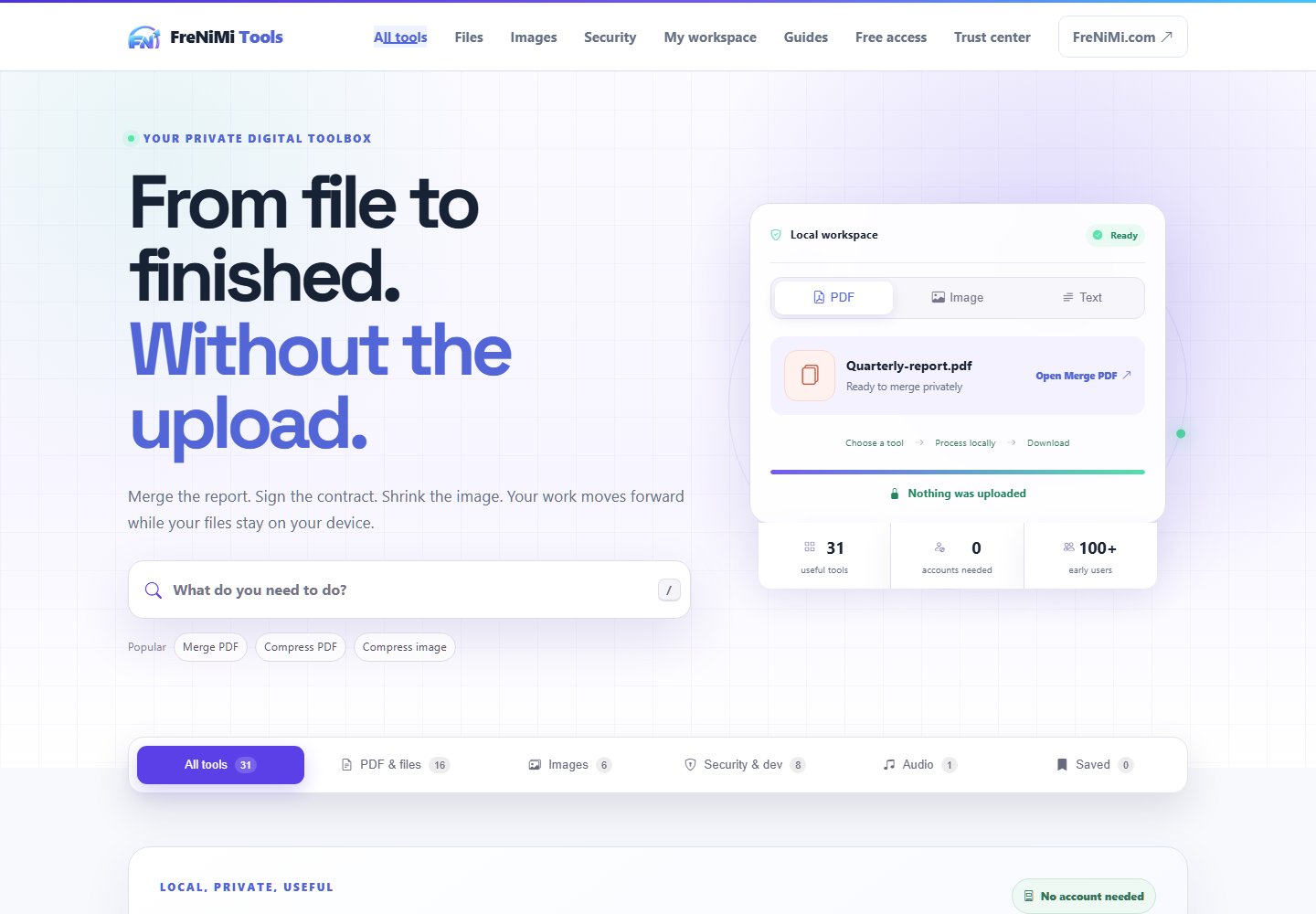
32 focused tools for PDFs, images, text, and security tasks. Open the tool you need, finish the job, and keep moving.
LIVE BROWSER DEMONSTRATION
This small SHA-256 demo runs entirely in your browser. Change the input and run it again to see the fingerprint change.
PHISHGUARD
Inspect URLs and emails with a browser-based phishing model. See the extracted signals, understand the score, and take the evidence into your own workflow.
Architecture illustration. Run the demo for actual analysis.
A label alone leaves the investigator asking why a link was flagged.
Extract structural and language features, apply the published heuristic model, and return inspectable results.
The browser demo does not fetch the target URL or perform live reputation checks. A low score is not a safety guarantee.
SOFTWARE YOU CAN EXPLORE
Useful security software makes the next action clear. Explore the workflow, inspect the evidence, and take the results with you.
Select a component to explore the workflow. The operations lab lets you inspect a finding and track local status changes.
Illustrated sandbox architecture · fictional records · browser memory only
Explore a working security workflow with fictional records, or use the real public tools. No personal account or email required.
INTERACTIVE SANDBOX
Filter findings, investigate a record, change its status, and export an audit trail.
Fictional data · local session · no production accessREAL PUBLIC TOOLS
Work with PDFs, images, text, and security utilities directly in your browser.
Open the complete workbench →32 tools · no signup · task-specific privacy detailsFixture records → local session → filtered queue → finding detail → status event → JSON export.
Finding ID, asset, severity, status, supporting evidence, and a history of local actions.
A browser-only workflow concept, not the production FreNiMiGuard application. Role selection changes the interface; it is not authentication or an access-control boundary.
THE OPERATING PRINCIPLE
Useful software should let you see what went in, what happened, and what to do next.
Run the checks yourself →MEASURED, NOT ASSUMED
Inspect the archived mobile Lighthouse audit from September 22. This report predates the current homepage.
Simulated mobile throttling. These are pre-release lab results, not live PageSpeed scores.
Lighthouse 13.5.0 · Tested 2026-09-22
Inspect the archived Lighthouse report →THIS PAGE IS PART OF THE PROOF
Run these focused checks in your browser. Select a result to see its method and limits.
Not run yet. No scores are assumed.
Focused functional checks, not a Lighthouse audit or a security certification. Check the current live site on PageSpeed Insights ↗